Corbo Chiropractic
A Digital Refresh for a health clinic
A full website redesign into a more intuitive, conversion-focused site that aligns with the clinic’s brand and better serves its end users
UX design
UI enchancement
CRO
Interaction Design
B2C
Index
Problem definition
Corbo Chiro had a basic foundational website with a poor navigation structure, and as a result had a few UX challenges along with inconsistent visual branding across the pages.
My task was to redesign the whole website, while restructuring the way most of information is presented for clarity, findability and visual appeal.
Objectives
Prioritize and restructure the content of the landing page to improve conversion rate, reduce the length of the scroll and improve content findability
Create design that is visually appealing and in alignment with the Corbo Chiropractic brand and its target audience
Design decisions & rationale
Pain point: Information Overload
One of the main challenges that the clinic had is having an overwhelming amount of content. The more the better was definitely their motto.
The trick was to redesign and restructure information and layout in such a way that it would have just enough amount of content to ensure:
01
spark interest about the services for new and existing clients
02
set the right expectations about the service
03
provide education information WITHOUT the long scrolls and multiple pages that feel overwhelming
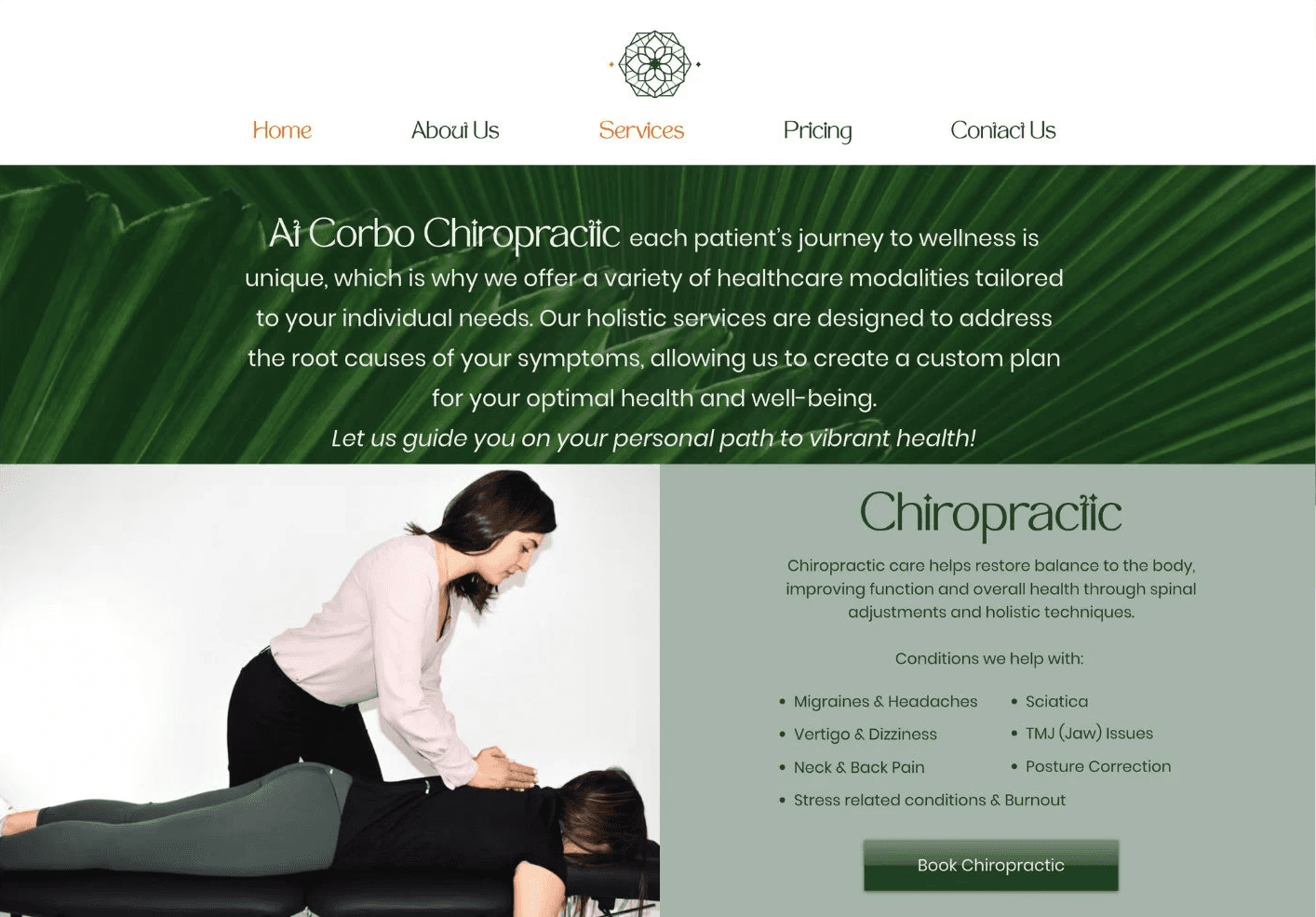
I went towards the route of simplification, and decided to get rid of a separate page for each service, nested under Services tab in menu navigation. It was creating a disconnected experience with the actual Services pages that already contained a lot of content about each service.
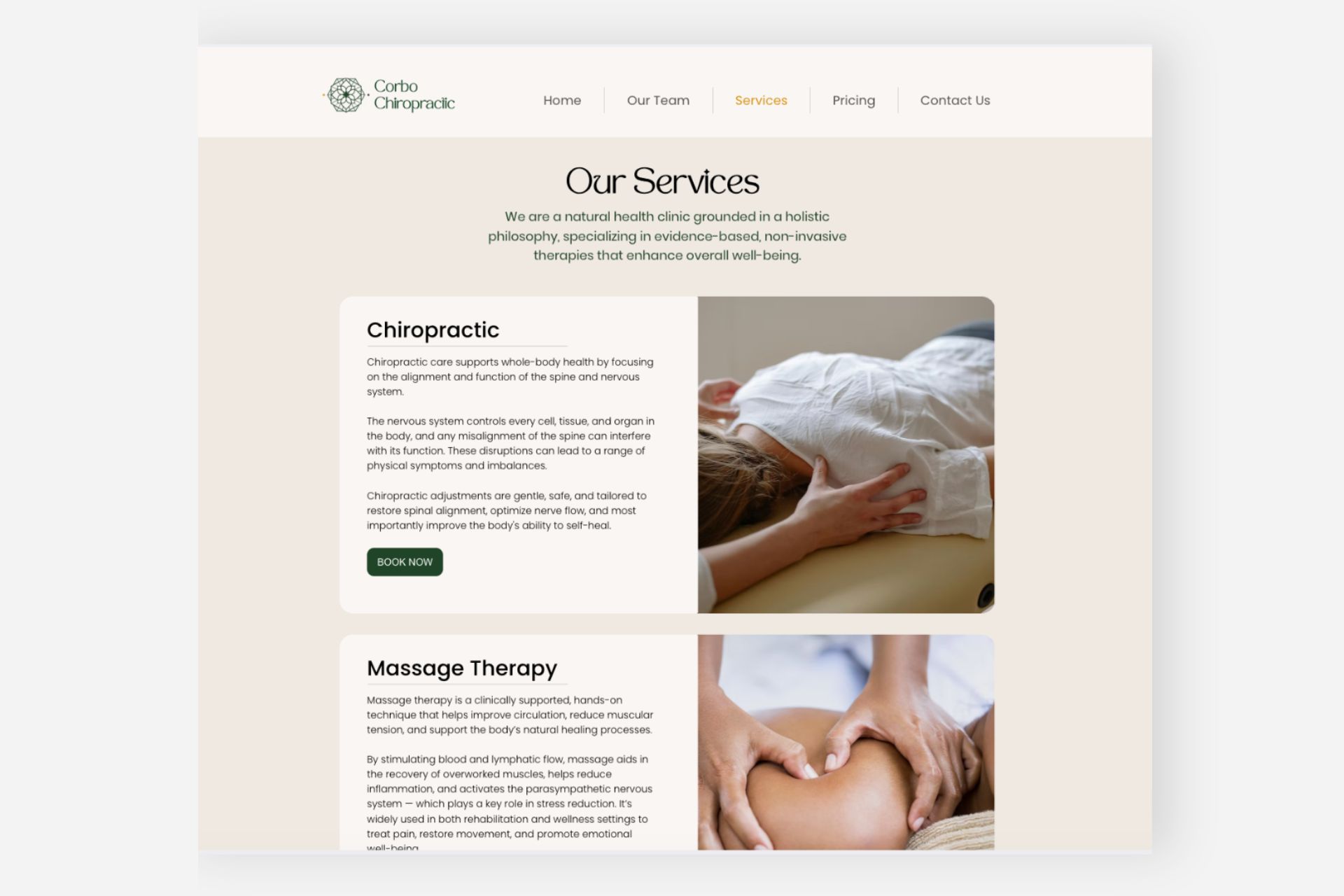
This is how the Services page looked before the redesign.
After the redesign:
Design decision highlight:
Interactive cards for content restructuring
Preserve some white space on the page by nesting extra information within the hover interaction (see video above)
Improve readability and reduce cognitive load through a quicker scroll and grouping of information based on Gestalt principles of proximity and similarity, while preserving the most essential content and information
Ensuring visual consistency (with colours, font, size and shape of each card) further strengthening the link between different cards and their belonging to the same category - Services
Landing page redesign
Objective #1
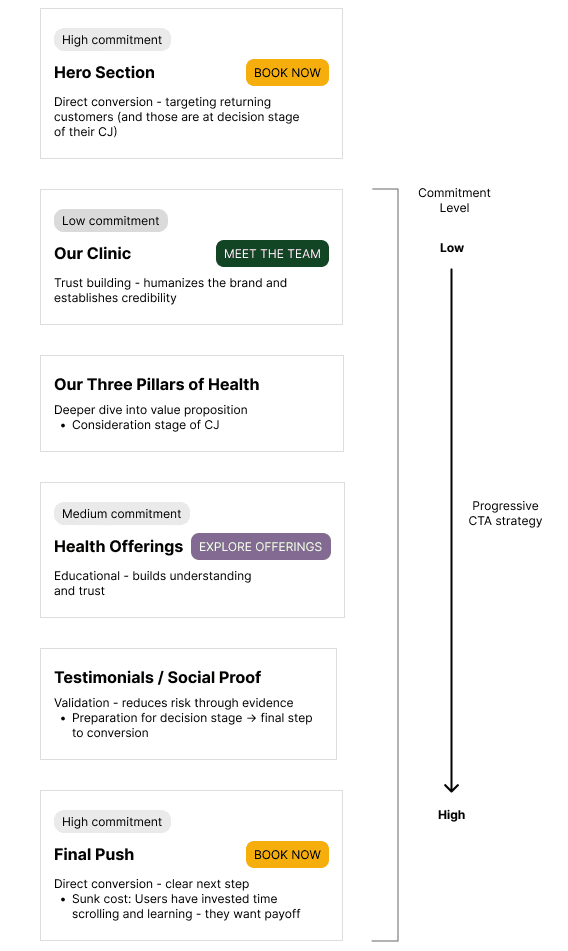
Creating a timely unfolding CTA strategy that guides users' on the journey - ensures smooth wayfinding outside of the direct navigation points
The original landing page contained only one button with a CTA "Book Now". On one hand. what more do you need? After all, that is the main action you want the users to take?
Yet, it is important to think of the user journey in a more holistic way. If they are a first time user and not yet a customer, they are most likely want to get more information. Landing page allows them just that but also providing thoughtful nudges to others pages. I have included the CTAs "Meet the Team" and "Explore all the Services" under relevant sections.
Nonetheless, I kept the "Book Now" button at the Hero section. While new users are likely won't be ready to book right away, the returning users need to have a quick access that doesn't require extra work on their part.
Objective #2
Preserving brand identity to ensure continuity, intuitiveness and brand recognition
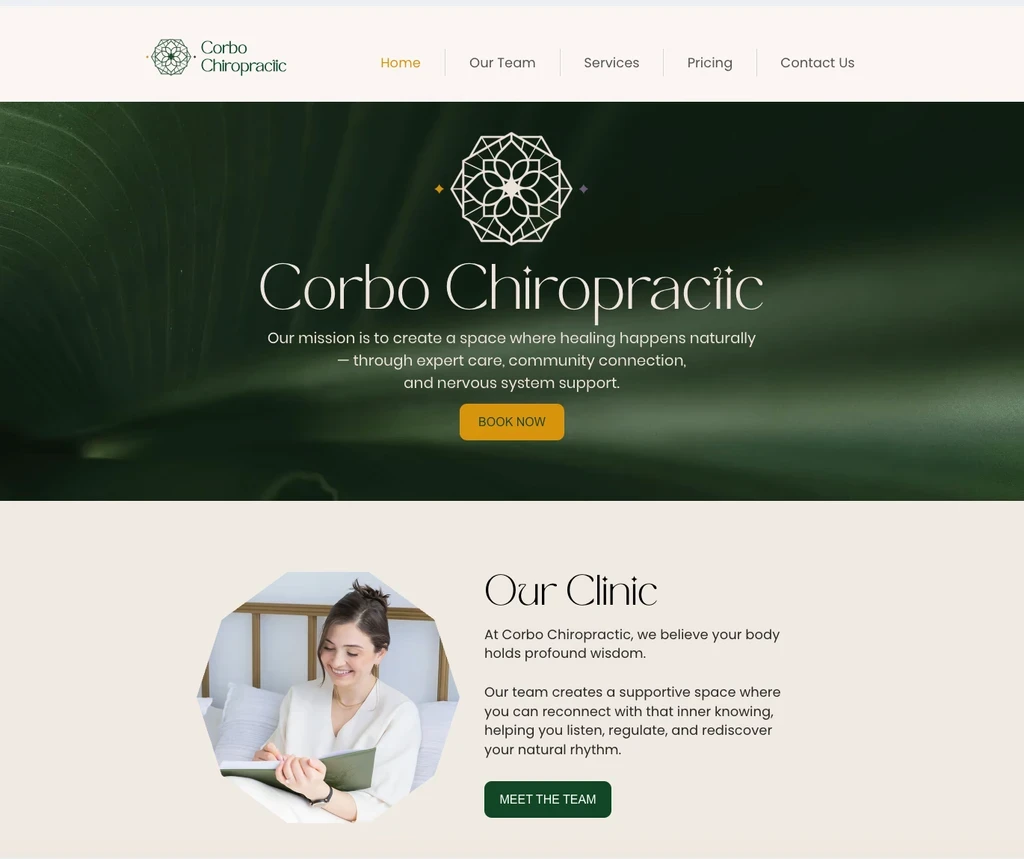
Solution: visual nods to nature, shades of the same colour palette, curvy section breaks, photography that captures the essence of the brand
Despite not having an established brand book and/or guidelines, Corbo Chiropractic had core colours, logo and identity that has been established through out its website and marketing channels. I worked together with the client to ensure there is a continuity to the experience while ensuring a visual uplift,
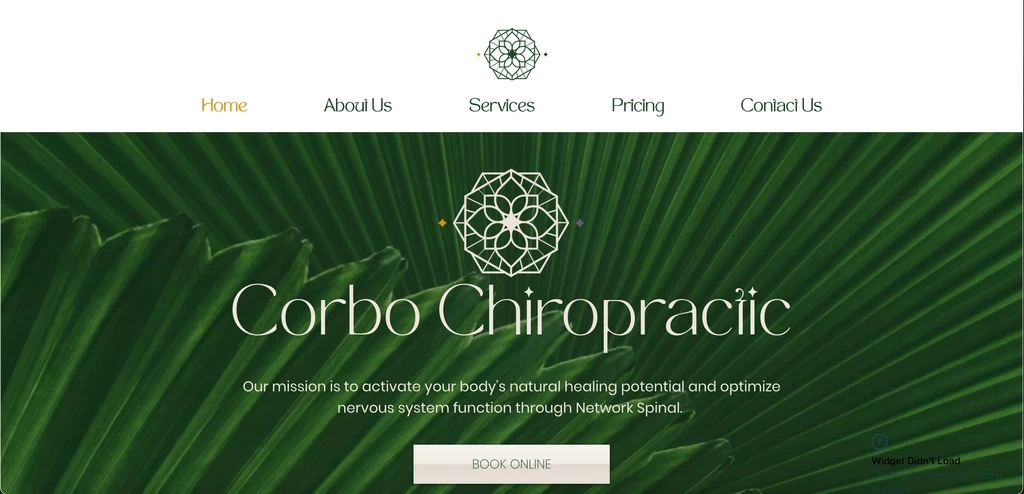
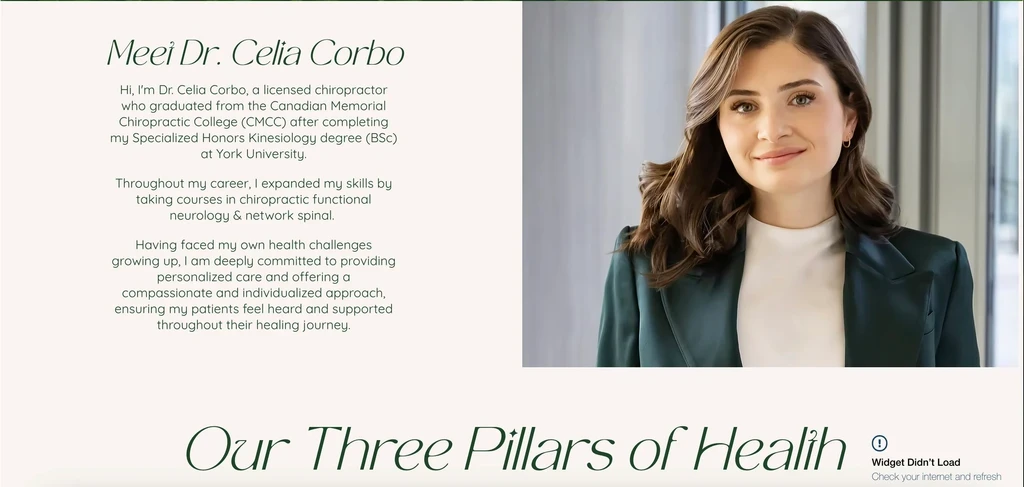
Before
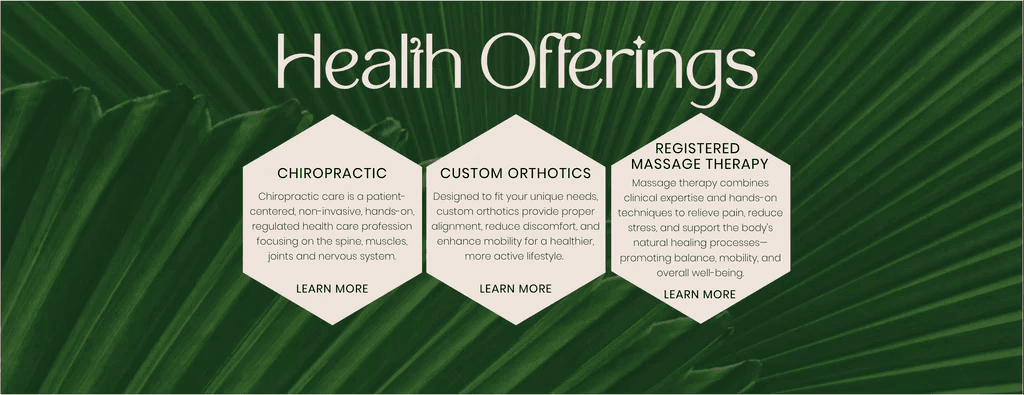
Colour.
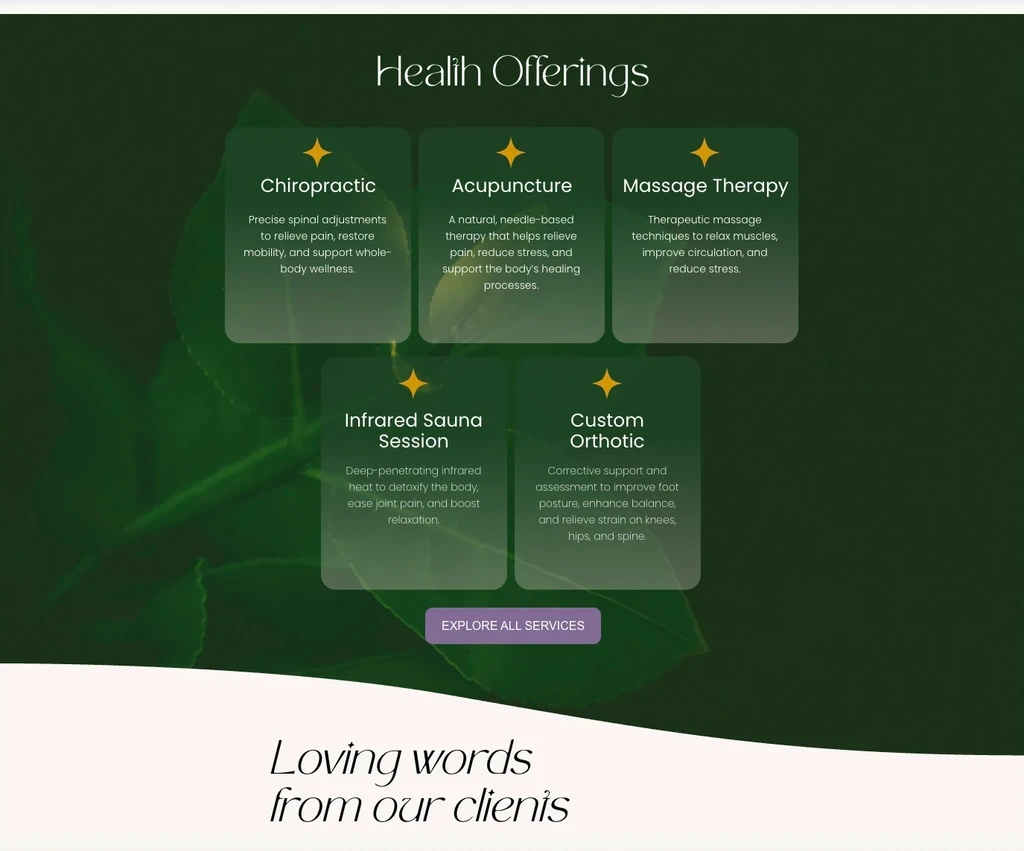
Apart from swapping photography, I also worked towards creating a more balanced softer look with the colours. I accomplished that by going for a lighter shades of the same colour as well as the use of gradients (see below in After screenshot - Health Offerings).
Emphasizing CTAs with accent colours.
Previous CTAs featured the main brand colour, which is already abundant throughout the site, as a result buttons in that colour didn't stand out and lost the much needed emphasis.
Photography.
First thing, that stood out to me, is photography that didn't fit well with the rest of the brand for a number of reasons:
1) featuring sharp lines as well as sharpness in the quality of the image is quite different from the softer rounded elements in the font and logo
2) some photos, although in the same category of health and wellness, were a diversion from the services actually offered (eg. a photo of a woman doing yoga) and could cause potential confusion for users
After
Objective #3
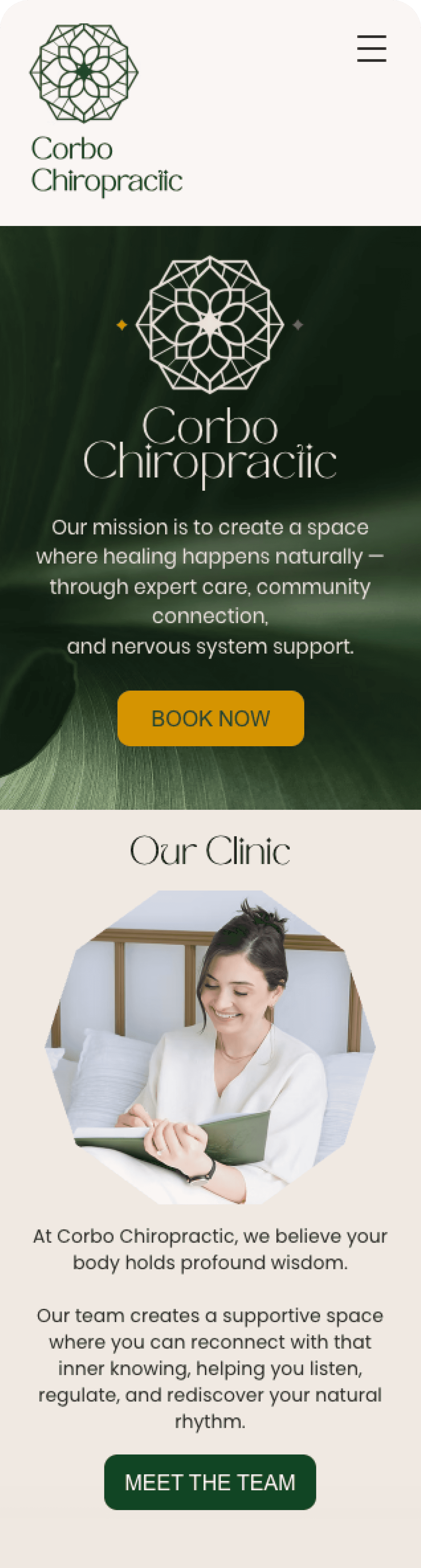
Focus on mobile optimization and ensure responsiveness across different device types
Before starting this redesign, I reviewed all the available analytics for the site.
Turns out:
43%
of the traffic was coming from the mobile devices.
Some of the obvious changes I have implemented were:
Readable typography — scaling down font sizes
Appropriate spacing - enough padding/margins for comfortable reading and visual hierachy
Touch-friendly buttons - ensuring buttons and links sized at least 44x44px for easy tapping
Before
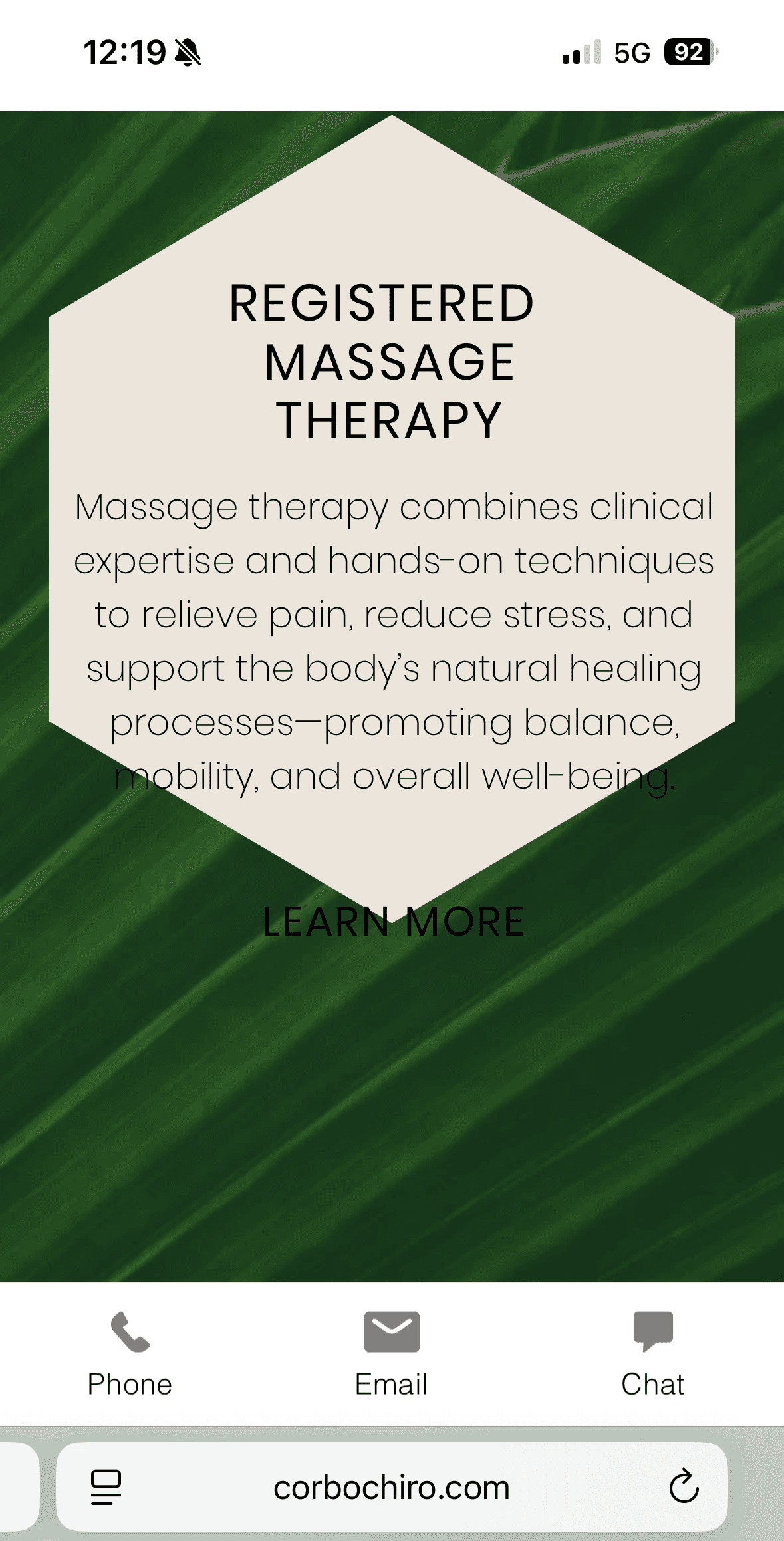
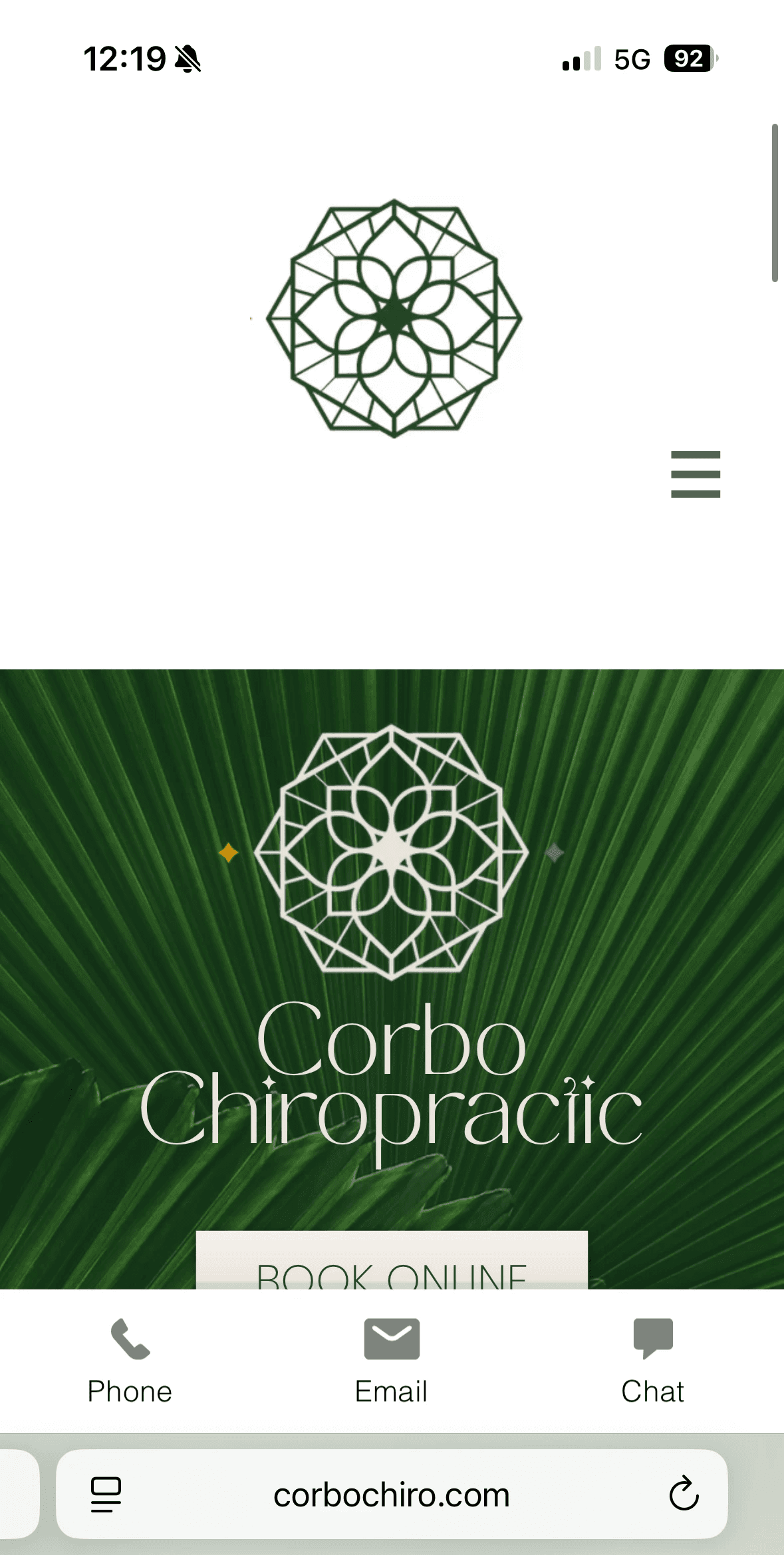
Challenge
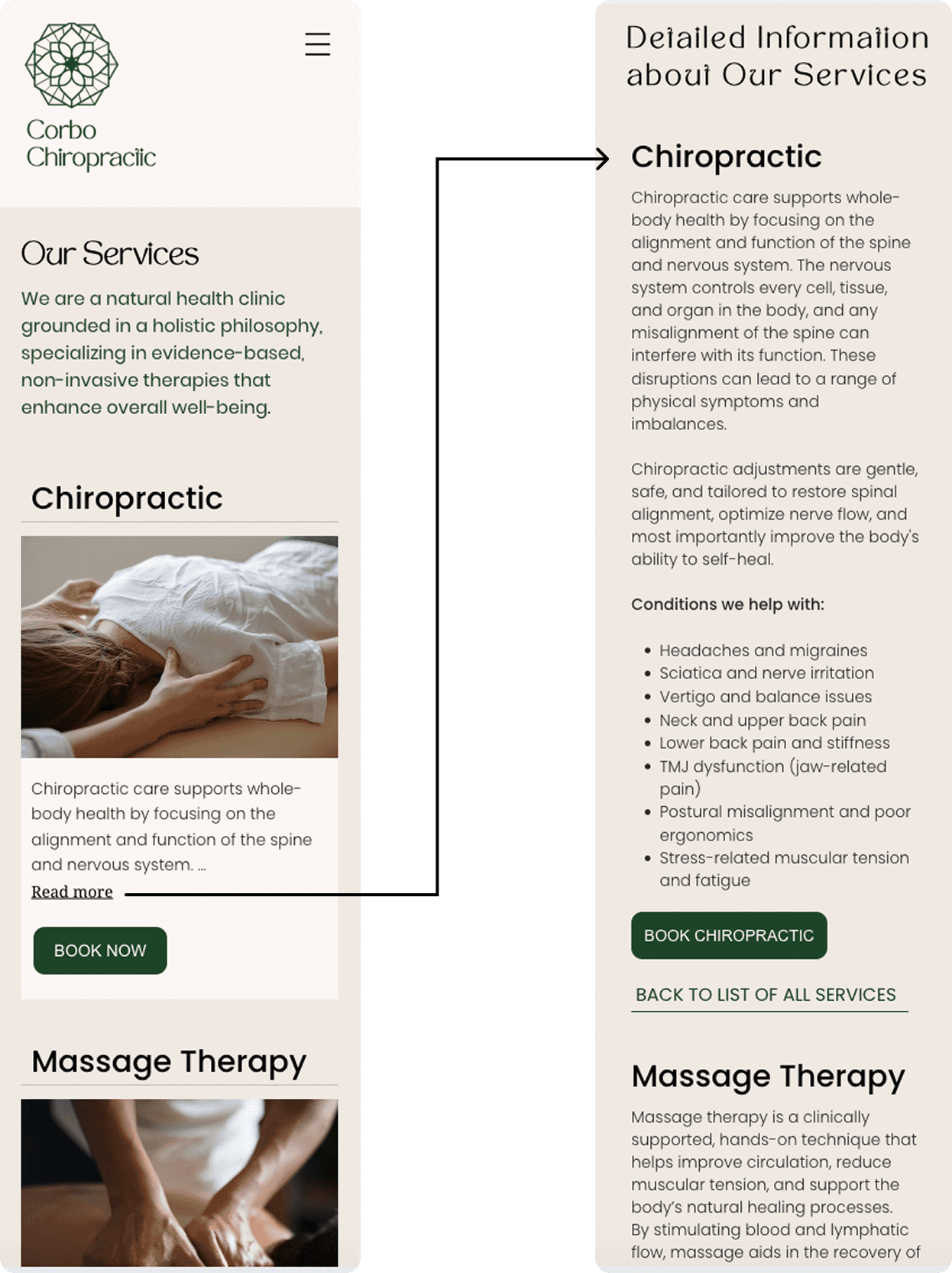
Translating an interactive web element into a mobile design that is intuitive and functional
Solution: Re-prioritization of the content hierarchy
The interactive cards carried one very important function - allowing for more space on the page and shorter scroll, while ensuring the user can easily get more information about a given service (through a hover interaction - see GIF below).

Translating this functionality to mobile was especially challenging because of the technical limitations within the older Wix Editor that the site is built on.
In order to preserve shorter scroll and ensure one card fits into a single screen, I have decided to shorten the information displayed. The 'Read more' link would take user to the bottom of the page where I added a "Detailed Information" section which contained all the information from the card and hover states in web.
Such content hierarchy with the supporting links for the easy navigation from top to bottom of the sections, would allow user to easily get more information about the service without having to scroll through all the content for each service. Similarly, it would allow the users who are not interested in the additional information to find the booking link for the right services within seconds of landing on the Services page on mobile.